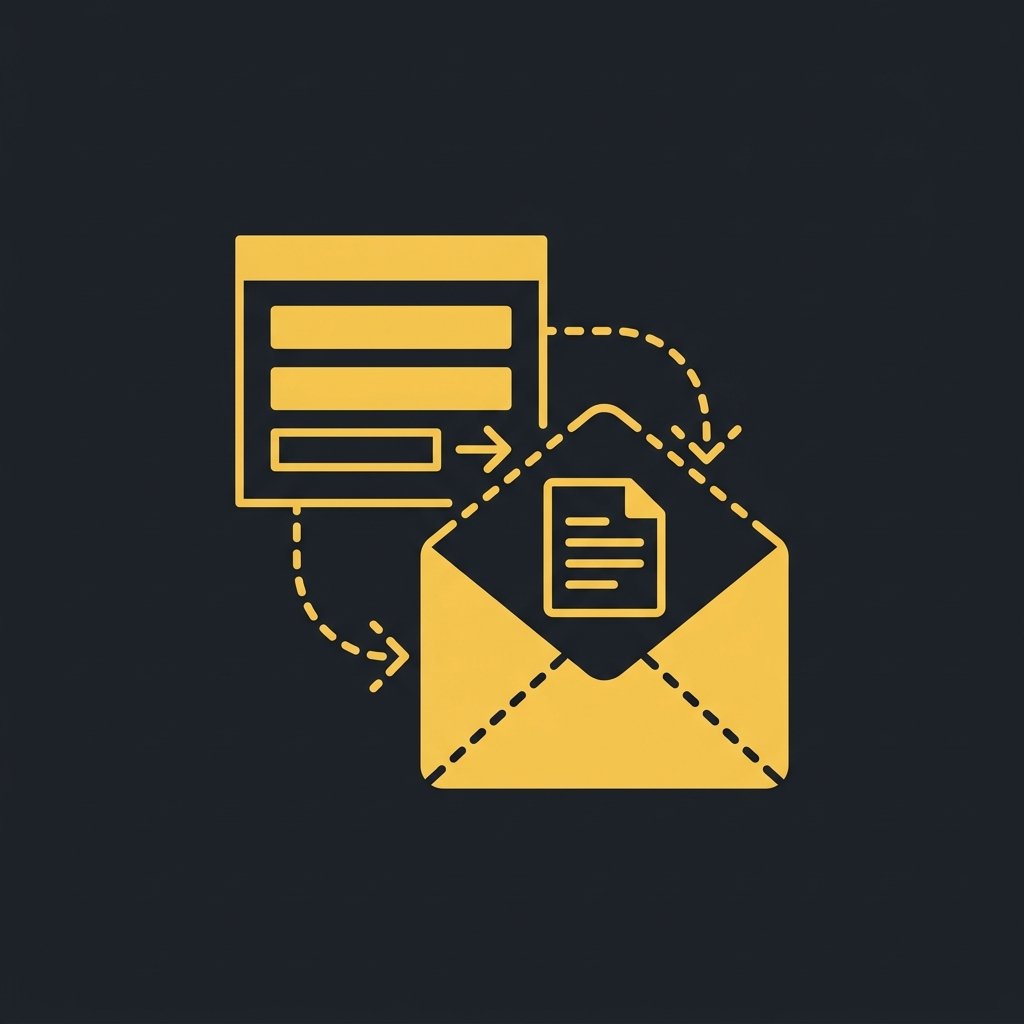
The Form That Never Reaches Your Team
A potential client visits your website, reads your services, and decides to reach out. They fill in your contact form with their name, email, and a message about what they need. They hit submit. Then nothing happens — or worse, something happens that you never see.
This is more common than most business owners realise. Website forms look reliable because they show a “Thank you” message on screen. But behind the scenes, the data often goes to an inbox that nobody checks regularly, gets caught in a spam filter, or lands in a shared mailbox where it is buried under internal noise.
The gap between “form submitted” and “form received by the right person” is where leads quietly disappear. In my view, this is the single most fixable revenue leak in most small businesses, and it starts with understanding what your form actually does after someone clicks submit.
Where Enquiries Actually Go (And Why That Matters)
Most website forms send data via email. That sounds simple enough, but email was never designed to be a lead management system. Here is what actually happens to form submissions sent to an email inbox:
- Spam filters catch legitimate enquiries. A genuine lead with a generic subject line gets flagged, and you never see it. Meanwhile, your inbox tells you everything is fine.
- Emails get buried. A form submission arrives alongside newsletters, internal messages, and automated notifications. Unless someone checks the exact right folder at the exact right time, the enquiry sits unread.
- No structured data. The lead’s details are trapped in the email body. Nobody transfers them to your CRM or project tool, so the information is lost as soon as the email scrolls off the screen.
- No automatic next step. The form sends an email and stops. There is no trigger for a confirmation reply, a booking link, or a task assignment. The entire follow-up depends on a person checking their inbox and deciding what to do.
Each of these is a failure point. Individually, they might only lose one or two leads a month. Together, they can silently drain 20–30% of your website-generated enquiries. You spend money on traffic, SEO, and content to get people to your site, and then your form leaks a significant chunk of that investment before anyone even reads the message.
The Real Problem Is Not the Form — It Is What Happens After
The form itself is fine. The problem is the lack of a connected system behind it. A form submission should not be the end of an automated process. It should be the beginning.
When your form only sends an email, you are asking your team to do several manual steps every single time a lead comes in: open the email, read the details, open your CRM, create a contact, create a deal, compose a reply, send it, set a reminder. That is 5–10 minutes of admin per lead that could happen automatically in seconds.
Worse, those manual steps are inconsistent. One day your team is fast and thorough. The next day they are swamped, and leads get a delayed reply or no reply at all. The customer experience depends on who is working and how busy they are, not on a reliable system.
The fix is to treat your form as a trigger, not a message. Instead of sending data to an inbox where it can be delayed or lost, send it directly into your CRM through a secure API connection. From there, an automated workflow takes over: create the contact, tag the service, send an instant confirmation, assign a follow-up task, and start a nurture sequence. The email inbox becomes optional for lead management.
How to Connect Your Form to Your CRM (Without a Full Rebuild)
You do not need a new website or a new form plugin to fix this. You need a connection between your existing form and your CRM. Here is how to approach it in practical terms:
Start by identifying where your form data needs to go. If you use a CRM like HubSpot, Pipedrive, Zoho, or even Airtable, check whether your form builder (Contact Form 7, Gravity Forms, Elementor, Wix Forms, etc.) has a native integration. Many do. If not, use a middleware tool like Zapier, Make, or n8n to bridge the two systems with a simple rule: “When form is submitted, create contact in CRM.”
Map the fields you collect to the fields in your CRM. Name, email, phone, service interest, message. Add a hidden field for the source page URL so you know which page drove the enquiry. This gives your team full context without digging through emails.
Once the data flows into your CRM, build a simple automation on top. Most CRMs have built-in workflow tools. Create a rule that triggers when a contact is created from a web form. The rule can: send an instant acknowledgement email, assign the lead to the right team member based on service type, create a deal in the correct pipeline, and add a task for follow-up within 24 hours.
Here is what changes when this is set up correctly:
- Form submitted → contact created in CRM instantly → no data loss
- Instant acknowledgement sent automatically → lead feels valued immediately
- Lead tagged and assigned by service type → right person responds
- Task created for follow-up → no lead gets forgotten
- Lead source tracked → you know which marketing works
In my view, this single integration is the highest-ROI automation a small business can do. It protects the investment you have already made in getting people to your website and ensures that every enquiry enters a reliable, consistent process instead of a chaotic inbox.
What Happens When You Fix the Gap
When your form feeds your CRM directly, the change is not just operational. It is cultural. Your team stops checking an inbox for new leads. They check your CRM or a live dashboard, where every enquiry is already recorded, tagged, and assigned. The question shifts from “Did anyone see the new enquiry?” to “What is the next action on this lead?”
Response time drops from hours (or days) to seconds, because the instant acknowledgement buys you time without the lead feeling ignored. Follow-up becomes proactive instead of reactive because the system tells you what needs attention rather than you discovering a buried email three days later.
There is also a trust benefit. When a lead submits a form and receives an immediate, personalised confirmation that references their specific request, they feel like they are dealing with a professional, organised business. That first impression matters, especially when they have likely filled in similar forms on competitor sites and heard nothing back.
The hidden benefit is data. With every form submission flowing into your CRM, you can start tracking source, service interest, conversion rates, and response times. You finally have the numbers to know which marketing channels actually produce leads and which parts of your follow-up process need improvement. Without that data, you are making decisions on gut feel and incomplete information.
Next Step: Test Your Form Right Now
Here is something you can do in the next five minutes. Go to your website, fill in your own contact form with a test enquiry, and see what happens. Check the email address where form submissions land. Is it a shared inbox? A personal email? Does the submission arrive immediately or is there a delay? Check your spam folder too — you might find genuine enquiries sitting there.
If you find a gap — a delayed arrival, a missing submission, or a form that only sends an email with no follow-up — that is your lead leak. The fix is a direct connection from your form to your CRM with an automated workflow behind it. Grow Smart Online can help map that connection and design the workflow so every website enquiry becomes a captured, tracked, and followed-up lead instead of a message lost in an inbox.