The Hidden Cost of Disconnected Tools
Your tools look fine on their own. Website here. CRM there. Separate bookings, payments, email. But when they do not talk to each other as part of a connected business system, you pay for it every day in hidden manual admin, slow responses, and missed revenue.
This is the real problem: every gap between tools becomes a human task. Download enquiries from your website → copy into CRM. New booking → update calendar → send confirmation. Payment received → mark as paid → send invoice. Each step feels small, but multiplied across the week it becomes a silent second job.
Disconnected tools create a pattern: delayed replies → lost enquiries, scattered data → confused team, manual follow-ups → inconsistent customer experience. The work still gets done, but only when someone remembers, chases, and double-checks. That is risk built into the way your business runs.
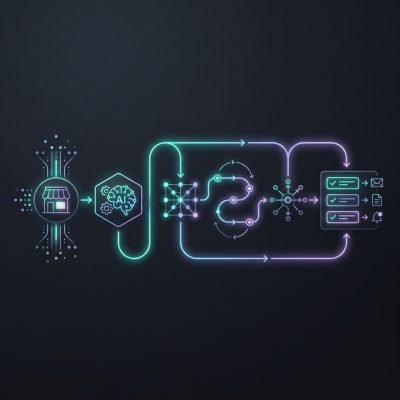
A connected business system flips this. The same tools stay in place, but they act like one automated workflow instead of five separate islands. An enquiry on your website triggers CRM updates, bookings, payment links, and email sequences without extra keystrokes. You move from “Who has updated this?” to “The system has already done it.”
For me, the urgency is not about buying new software. The real priority is stopping the daily leak of time and focus from your existing stack. When your website, CRM, bookings, payments, and email are connected through secure API integrations and simple automation rules, you unlock five core automations: capturing leads, qualifying them, booking time, taking payment, and following up. That is the difference between a business that reacts and a business that runs on rails.
Once you see how much effort is hiding in those gaps, it becomes easier to quantify the real impact of keeping everything disconnected.
The Cumulative Impact of Disconnected Tools
Your current setup looks simple on paper: website here, CRM there, separate bookings, payments, and email tools. The real damage sits in the gaps between them. Every time data has to move by hand, or via a half-working integration, you create friction, delay, and risk.
Think about a new enquiry from your website. If it doesn’t flow straight into your CRM, booking system, and email sequences, someone must copy and paste, tag, and follow up. That adds 2–5 minutes per lead. At 20 leads a week, that’s 3–8 hours a month of manual work – and that’s before you count errors and missed follow-ups when staff are busy.
The cost is not just time. Disconnected tools break your revenue flow:
- Form enquiry with no automatic follow-up → the “hot” lead cools within hours.
- Booking made but not synced to CRM → no reminder email → no-show or late cancel.
- Payment received but not linked to contact → no tailored upsell or renewal sequence.
Each of these looks small in isolation. In my view, the real problem is cumulative drag: 5% fewer replies here, 10% more no-shows there, 15% of contacts never tagged correctly. Over a year, that can mean tens of thousands in lost enquiries, unclaimed repeat business, and customers who quietly slip away because they never heard from you at the right time.
The architecture is the issue. When every tool holds its own version of the customer, you can’t run a clean, automated workflow from first click to paid booking to follow-up. You rely on people to “glue” systems together, and people are busy, distracted, and inconsistent. That is what your disconnected setup is really costing you: not just admin hours, but a predictable, compounding leak in revenue and trust.
The good news is you don’t have to throw everything away. You can keep the tools you like and connect them into one system that does the heavy lifting for you.
What a Connected Business System Really Is
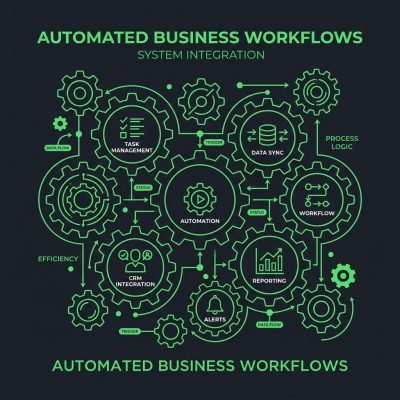
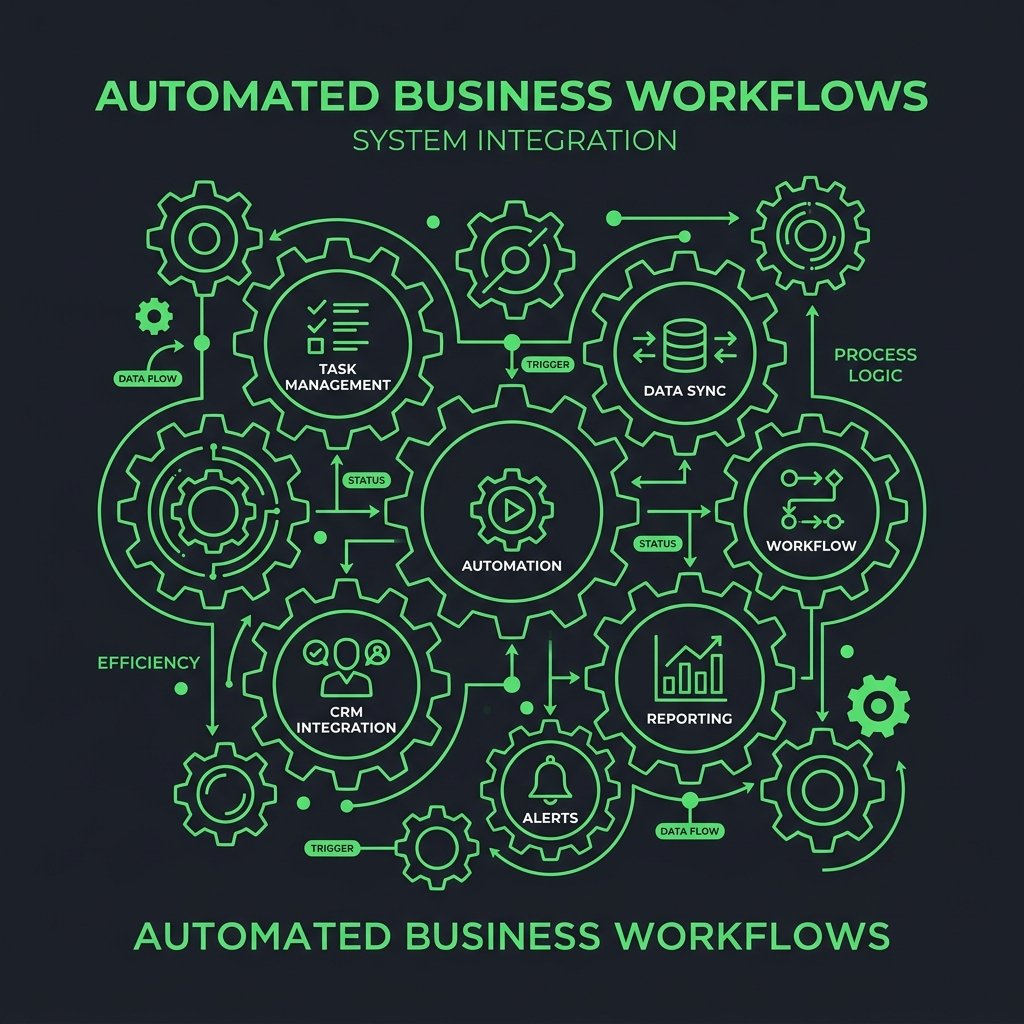
A connected business system is not “one more tool.” It is the layer that makes all your existing tools act as one. Your website, CRM, bookings, payments, and email stop behaving like separate islands and start working as a single workflow.
The core idea is simple: link your tools so data moves in the background without you touching it. New enquiry on your website → contact created in your CRM → follow-up email scheduled → task added for your team. One action, multiple systems updated, no manual copying.
The difference from buying another tool is focus. A new tool adds another place to check, another login, another inbox. A connected business system reduces places to check. It gives you one central view of leads, clients, and live progress, even though the data still lives in the tools you already trust.
In this model, every automation sits inside one joined-up flow rather than as a one-off “hack.” For example:
- Lead capture automation → feeds your CRM and email list from the same form.
- Proposal and booking automation → updates pipeline stages and calendar in one move.
- Payment and onboarding automation → triggers welcome emails and task lists once payment clears.
- Follow-up automation → pulls real activity data, not guesswork.
- Reporting automation → reads from all tools to show one clear pipeline view.
My view: the real win is not the automations themselves, but the connected model behind them. When you design workflows around a single, shared view of the customer, every new automation strengthens the whole system instead of adding more noise.
Under the hood, this all runs on a simple idea: your tools talk to each other through secure “pipes” that move the right data at the right time.
How Secure APIs Turn Separate Tools into One Workflow
Secure APIs are the “pipes” that let your tools talk to each other in real time. Each tool (your website, CRM, booking system, payment gateway, email platform) exposes specific entry points. These entry points accept and send data in a structured format, but only when a request is authenticated and allowed.
Behind the scenes, your website doesn’t store everything. It sends key events through secure APIs. For example, a visitor submits a quote form. The website calls the CRM’s API with the contact details, the service they want, and the source page. The CRM confirms receipt and returns an ID, which becomes the reference for every later action.
That single CRM ID then links the rest of the automated workflow. When the booking tool confirms a date, it hits the CRM’s API again: “Update contact X with booking Y.” When a payment is taken, the payment provider posts a secure webhook to your automation layer: “Invoice paid for contact X.” Your email tool then receives a trigger via API: “Start onboarding sequence for contact X.”
The important part is that the tools are not guessing. They are exchanging structured events over secure APIs, using tokens and permissions that limit who can do what. In my view, the biggest win is consistency: the same data point (like “next appointment date”) is updated once, then pushed everywhere, instead of being edited manually in three systems.
Here is a concrete example: a new enquiry → website sends lead to CRM → CRM tags the lead as “New” → automation layer watches for that tag → booking system gets an invite to offer available slots → email tool sends a follow-up if no booking is made in 24 hours. No extra logins. No copy-paste. Just one connected flow driven by events, not human memory.
With that foundation in place, you can start automating very specific manual tasks that currently chew up hours every week. Let’s walk through five you can tackle right away.
Task 1: Automate New Enquiries from Website to CRM
Start by mapping the exact fields you collect on your website enquiry form to your CRM: name, email, phone, service interest, budget, source. Then add one or two extra fields on the form that will help with routing, such as “service type” or “location.” This is what you’ll use for automatic tagging and assignment later.
Next, connect your form to your CRM using either a native integration, the secure APIs described earlier, or a tool like Zapier or Make. The rule is simple: every time a form is submitted, create or update a contact and open a new deal or enquiry record. Include the full message, page URL, and timestamp so your team has full context without digging in the inbox. This kind of website-to-CRM integration is the backbone of reliable lead management.
From there, build an automated workflow in your CRM that starts when a new “Website Enquiry” record is created. Use conditions to apply tags based on form answers, for example: “Service = Web Design → Tag: Web Design Lead”; “Budget > £5,000 → Tag: High Value.” Then create assignment rules: “Location = London → Assign to Sarah”; “Service = SEO → Assign to Marketing Team.” This is where you remove guesswork and delay.
Set up an instant first-response email from the CRM, not from your personal inbox. Keep it simple and specific: confirm you received the enquiry, set expectations on response time, and offer one clear next step such as “Book a 15-minute call” or “Reply with a good time for a quick chat.” In my view, this first automated reply should sound like a helpful assistant, not a newsletter; short, clear, and personal-feeling.
Then test the full flow as if you were a new lead. Submit the form, check the CRM record, confirm tags and owner are correct, and read the automated email on mobile. Fix anything that adds friction or confusion. When this is live, you stop watching your inbox for new website enquiries and rely on CRM automation and clear routing instead → fewer delays, fewer missed follow-ups, and no more manual copying and pasting.
Once enquiries land in your CRM automatically, the next step is to let the system decide what happens to each one instead of relying on manual triage.
Task 2: Automate Lead Qualification and Routing
When an enquiry lands in your CRM, the system should treat it like data, not an email. Each field (budget, service type, location, source, urgency) becomes an input for an automated workflow. The workflow runs simple rules: “If budget > £5,000 and service = ‘web design’ → score 80 and send to New Projects pipeline.” No one reads it first; the logic does the triage.
Under the hood, you set up a few rule groups. One group handles lead qualification (fit, budget, timing). Another group handles lead routing (who should own it, which pipeline, what follow-up). The CRM checks each new record against these rules in order, then tags, scores, and assigns it. In my view, fewer, clearer rules beat complex scoring models that no one trusts.
Take a simple example. A “web design + ecommerce” lead from paid search might auto-route to your senior salesperson with a task due today. A “maintenance request” might skip sales and move straight into your support pipeline. High scores can trigger extra actions like instant email replies or booking links. This is how you avoid one inbox bottleneck → missed calls → lost revenue.
- Outcome: Sales only see sales-ready leads.
- Outcome: Support only sees service issues.
- Outcome: You get live progress tracking without manual lead routing or ad-hoc lead qualification.
With qualified leads in the right pipelines, you can remove another common friction point: the back-and-forth of scheduling time to talk.
Task 3: Automate Bookings and Scheduling
Stop using email to negotiate dates. Build a simple online bookings flow that lives on your website and talks to your calendar and CRM in the background. The goal is one link you can send to any lead so they can book, reschedule, or cancel without you touching your inbox.
First, choose a booking tool that supports calendar automation and has a native or API connection to your CRM (for example, HubSpot, Pipedrive, or Zoho). Connect it to your main work calendar so it can see when you are busy and only show real availability. Then set clear rules: meeting length, buffer time between calls, and how far in advance people can book.
Next, embed the booking page directly on your site. Place it on key pages, such as “Contact,” “Services,” or after a quote request. For example, after someone submits a website redesign enquiry, send them to a “Book a Discovery Call” step instead of a “Thanks, we’ll be in touch” message.
Then connect bookings to your CRM. Create a workflow so that when a new booking is made:
- A contact is created or updated with the meeting details.
- A “Discovery Call Booked” deal or activity is logged against that contact.
- The lead source (e.g., Google Ads, LinkedIn, referral) is stored with the booking.
Finally, automate confirmations and reminders. Set up email or SMS messages that go out instantly when a slot is booked, 24 hours before, and 1 hour before. Include links to reschedule so changes update your calendar and CRM automatically. In my view, this reschedule link is what removes most of the hidden admin that teams underestimate.
As you run this, track two things: no-show rate and time from enquiry to first call. If no-shows are high, tighten reminders or ask a qualifying question in the booking form. If time-to-call is long, open more slots or shorten meeting length. The right online bookings flow should feel boring to manage because the system does the work, not your inbox.
Once calls and meetings are running themselves, the next obvious bottleneck to remove is how you request and track payments.
Task 4: Automate Payments, Invoices and Receipts
Your goal is simple: when a client clicks “accept” on a proposal or confirms a booking, the system should send the payment link, create the invoice, and later issue the receipt without you touching it. To do that, you connect three systems: your CRM (where the deal lives), your booking tool (where dates and services are confirmed), and your payment processor (where money moves). The glue is a set of automated workflows using the same secure APIs and webhooks described earlier.
At a systems level, the CRM or booking tool becomes the “source of truth” for status changes. When a proposal moves to “accepted” or a booking moves to “confirmed,” that status fires an event. The automation platform listens for that event, then calls your payment processor to create a payment link or online invoice with the right client, service, and amount. The same flow can update the deal stage and add a note so your team sees live progress tracking without asking accounts.
Once the invoice exists in the payment system, you let that tool handle reminders and receipts. The payment processor posts back payment status to the CRM via webhook. When it reports “paid,” your workflow generates a receipt, marks the invoice as settled, and can trigger next steps like project kickoff emails or granting access to a client portal. In my view, the critical design choice is to never send payment emails manually from inboxes; they should always be generated from structured data, so nothing depends on who remembered to hit send.
- Proposal accepted in CRM → automatic payment link + online invoice sent.
- Booking confirmed → deposit invoice created + follow-up balance scheduled.
- Payment completed → receipt issued + project status updated automatically.
With money flowing automatically, you can turn to the final piece: keeping leads and clients updated without living in your inbox.
Task 5: Automate Follow-Ups and Client Updates
Stop relying on memory. Build one automated workflow that sends follow-ups, reminders, and client updates whenever key events happen in your tools. Think in triggers, not tasks.
Start with enquiry to onboarding. In your CRM or booking tool, set a trigger: new enquiry created. Attach an email sequence: instant “thanks, here’s what happens next,” a 24-hour follow-up if no reply, and a 3-day “last check-in” before closing the lead. The system checks status; you only step in when someone replies. This kind of marketing automation for small business keeps your pipeline moving without extra effort.
Next, automate project kick-off. When a proposal is accepted or invoice is paid, fire a workflow: send a welcome email, a content questionnaire, and a reminder 3 days later if the form is still incomplete. Add an internal reminder to your task tool if content is still missing after 7 days so you can call instead of forgetting.
Now handle live project updates. Connect your project tool (e.g. Trello, Asana, ClickUp) via the same secure APIs. For each key stage change, trigger a short, plain update: “Design ready for review,” “Development started,” “Site in testing.” Clients get automated progress without you writing a fresh email each time.
Don’t skip pre-launch and post-launch. When a site moves to “ready to launch,” trigger a checklist email and a booking link for the launch call. After launch, schedule an automatic 7-day “how is everything working?” email and a 30-day “here’s what to improve next” update. This keeps you present without extra manual work.
My view: the biggest win is standardising these sequences once, then only customising when needed. Use templates for 80% of situations and add a personal note on top when the project is high-value or complex. That way, automated follow-ups and client updates handle the routine, and you focus on decisions and relationships.
When all five of these tasks run inside one connected business system, the way you manage your pipeline and performance changes completely.
From Inbox Chaos to Live Dashboards
Before automation, your day is driven by inbox chaos. You scroll through emails to find new enquiries. You ask your team who called that lead back. You update spreadsheets after hours just to see rough numbers. The truth: you don’t have pipeline visibility, you have pipeline guesses.
After automation, your day starts with live dashboards. You see today’s new enquiries, booked calls, open proposals, and payments in one place. You see where deals are stuck, not just how many you “think” you have. You move from asking “What’s going on?” to “What needs a decision?”
Here is how those 5 automations change your numbers in practice:
- Website enquiry → CRM record = fewer lost enquiries, higher contact rate.
- Auto follow-up sequences = fewer dead leads, higher show-up rates.
- Online booking + reminders = fewer no-shows, more predictable calendars.
- Proposal / quote tracking = fewer silent maybes, clearer close rates.
- Invoice + payment sync = fewer manual reconciliations, faster cash clarity.
The real shift is mental. You stop being the system. The connected system shows you live progress tracking and clear next steps, so your time moves from chasing information to making choices that actually move revenue. In my view, that’s the only sustainable way to grow without adding more managers and more meetings.
If you’re worried this sounds complex or disruptive to set up, that’s where the right implementation partner makes all the difference.
Overcoming Complexity, Cost and Setup Time in a Connected Business System
You don’t need to rip out your systems to fix the gaps. The real work is in how data moves between tools, not in buying new software. Grow Smart Online focuses on mapping your current stack — website, CRM, bookings, payments, email — then designing an automated workflow that uses secure APIs and webhooks to connect them with minimal change to how your team already works.
Think in terms of flows, not features. For example, a new enquiry on your website can trigger a single automation setup: create a CRM record, send a confirmation email, alert the right team in Slack or Teams, and start a follow-up sequence. One flow, multiple tools, no extra manual work. The complexity sits in the logic layer we design and manage, not on your team’s desk.
Cost and disruption come down when you reuse what you already pay for. In my view, the biggest hidden cost is half-used tools and staff time spent retyping data. A specialist partner should show you a simple architecture diagram, clear rules for each trigger, and live progress tracking during rollout so you can see what’s changing and why. Your job stays the same; Grow Smart Online handles the moving parts and proves ROI with fewer missed follow-ups and faster response times.
Once you’re clear that your existing tools can stay and the heavy lifting can be handled for you, the final step is to map out your own connected business system.
Next Step: Get a Tailored Automation Proposal
The fastest way to automate these 5 tasks is not another tool. It’s a tailored proposal that maps your current website, CRM, bookings, payments, and email into one connected workflow with clear timelines and costs. In my view, this step matters more than any single app choice, because it forces you to design the flow of work first and plug tools in second.
Here’s a simple path you can follow:
- List the 5 tasks you want automated (e.g. new enquiry follow-up, missed call text-back, invoice reminders).
- Note which tools you use today for each step (website forms, Calendly, Stripe, Mailchimp, HubSpot, etc.).
- Book a short setup call with your implementation partner to walk through this list, screen-share your accounts, and confirm access.
- Ask for a tailored proposal that shows: which tools will connect, how data will move, example messages, timeline by week, and fixed or estimated costs.
- Agree on a simple rollout order, such as: enquiries → follow-ups → bookings → payments → reporting, so you see wins in the first 7–14 days.
Once that proposal is in place, your decisions become easier: you can approve, adjust, or pause based on clear numbers instead of guesswork.